
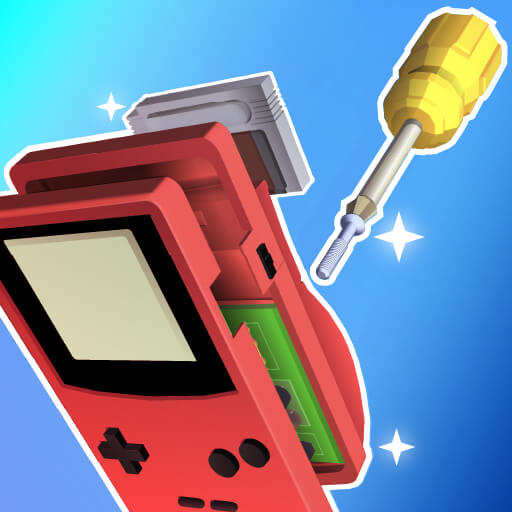
About Repair It
Fix broken items by solving interactive repair puzzles in this satisfying simulation game that teaches practical skills. Use the right tools, follow detailed instructions, and restore objects to their former glory through engaging gameplay mechanics. The game features diverse repair challenges, educational tutorials, and a progression system that builds your reputation as a master technician. Learn about different tools, diagnose problems accurately, and complete time-limited repair jobs to earn bonus points and unlock advanced equipment.
How to play
- Diagnose Problems: Examine each broken item carefully. Identify what needs fixing before starting the repair.
- Select Tools: Choose the correct tools from your toolbox. Using the right tool makes repairs faster and more effective.
- Follow Steps: Complete repair steps in the correct order. Skipping steps can cause additional damage to the item.
- Beat the Clock: Finish repairs within the time limit for bonus points. Practice improves your repair speed.
- Learn Tutorials: Interactive tutorials teach proper tool usage. Learn about different tools and their specific applications.
- Build Reputation: Complete repairs successfully to build your reputation. Higher reputation attracts valuable repair contracts.
Before you begin
Controls and features vary by game and device. Follow the game's on-screen instructions for supported keyboard, mouse or touch controls. If the game fails to load, check your connection or try a current browser.
Gameplay is delivered by an external provider after you select Load game. That provider may process browser data or use cookies. Review our Privacy Policy before starting.